Feature
Your artwork, on your tech pack.
Add logos or lettering to your garment specification. Position artwork on the sketch and include saved placements alongside measurements, materials, and construction notes in your tech pack PDF.
By Sylai · Updated
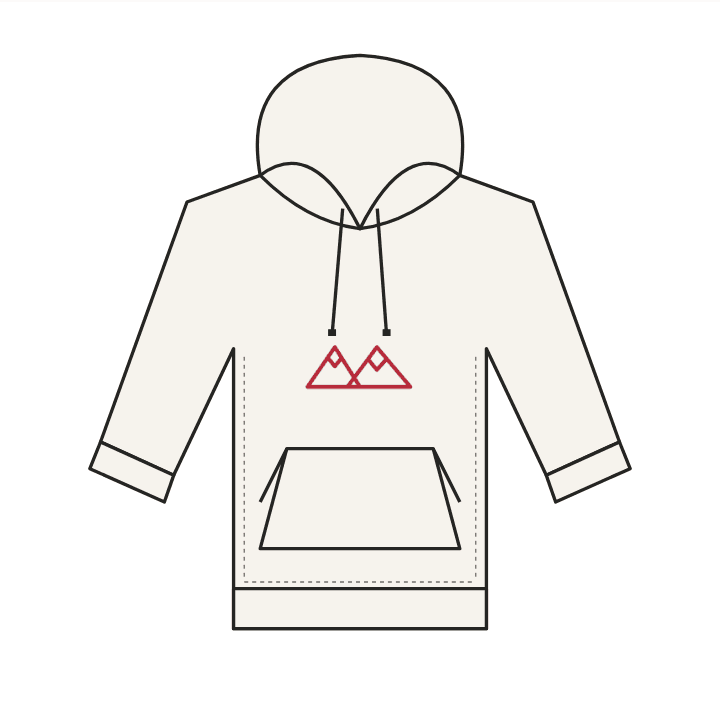
Keep the logo you already have
Use Add artwork on the front or back sketch to upload a PNG or JPEG. A transparent PNG keeps the garment lines visible around your artwork. JPEG files retain their background; uploading a white rectangle does not automatically remove it.
For an exact brand logo or custom typeface, upload your finished artwork. Asking the design assistant to redraw a logo can change its lettering or proportions. Placement uses your uploaded image rather than asking an image model to recreate it.
Or make something with words
Where Create lettering is enabled, type your words, choose a compatible font and color, preview the style, and place it on the sketch. The font browser shows fonts that support your text. You can edit lettering made with the composer later.
The built-in font selection is not a promise to match every brand typeface. Upload finished artwork when you need a font or mark that is not available in the composer.
Place it where it belongs
Drag artwork directly on the sketch and resize it with the mouse. Check the correct garment view and keep important details clear. Wait for saving to finish before leaving the page or exporting.
A visual placement is not a manufacturing dimension. Add the intended width, height, and distance from a seam or neckline to the surface-design specification. Confirm placement and production method with your manufacturer.
Check the sketch and the PDF together
Saved artwork on the current sketch is included in the PDF export. If the base sketch changes, review the placement again before exporting. Open the downloaded PDF and check both garment views, artwork, measurements, and notes.
A colorway render is a generated visualization and can interpret artwork differently. Treat the saved artwork and placement specifications as the reference for your manufacturer, and review renders before sharing them.
Print and embroidery need production instructions
A logo on a sketch communicates design intent. For print, specify the method, finished size, placement, and colors. For embroidery, also agree thread colors, backing, and a sew-out with your supplier.
Sylai does not turn an uploaded logo into a digitized embroidery machine file. Your embroidery supplier still needs to digitize and test it. Keep the original artwork available alongside the tech pack.
Ready to work on your garment? Start a tech pack or check pricing and limits.